Tyvek wristband printing with Brother: fewer desk errors
Compatible printer, tyvek wristbands and automatic check-in. How to avoid illegible numbers and peak-time queues.
Writing wristband numbers by hand at peak times causes constant errors: swapped digits, illegible names and arguments at exit. Tyvek printing at check-in fixes data at source.
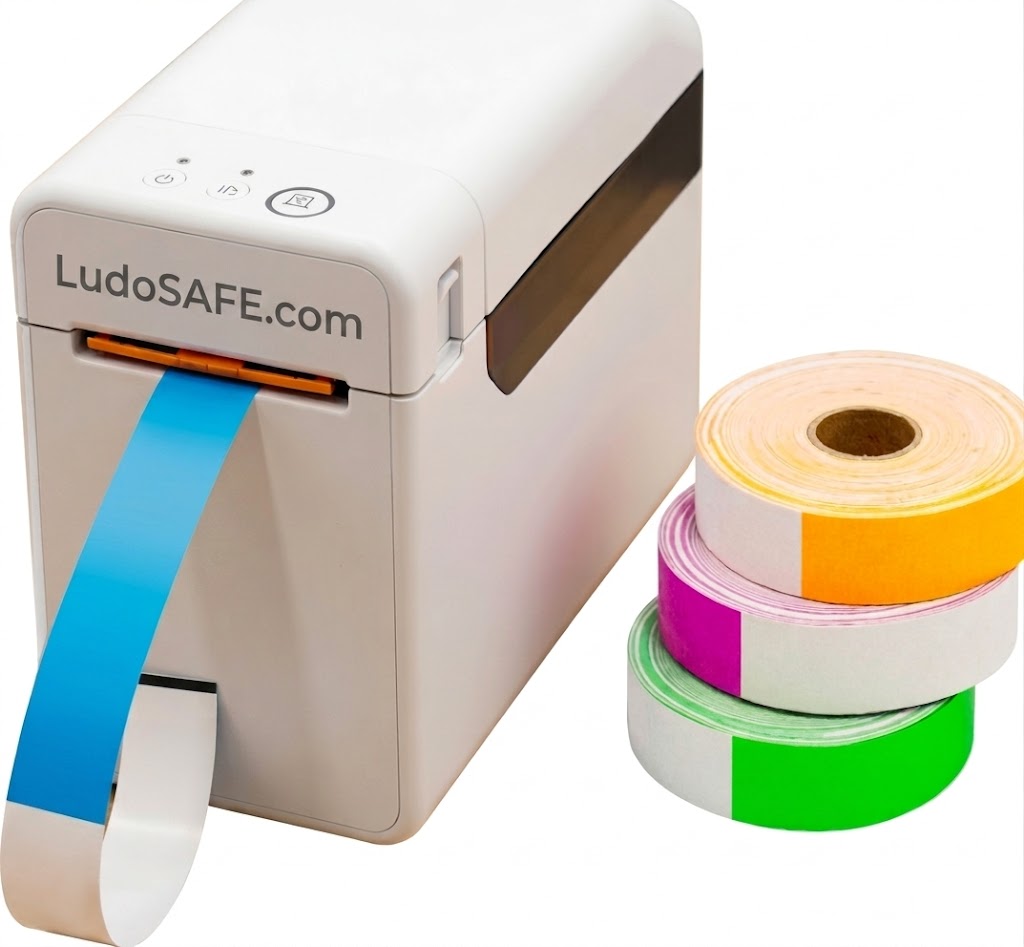
What you need (no proprietary hardware)
LudoSAFE does not lock you to one manufacturer. Many centres use:
- Tyvek wristbands numbered or with a printable field.
- A compatible label printer (e.g. Brother TD-2020A).
- A tablet or PC at reception with the operator panel.
Printing can trigger when check-in is confirmed, so staff and families do not lose time writing details.
Recommended flow
| Step | Without printer | With automatic printing |
|---|---|---|
| Check-in | Write on blank wristband | Label with number and agreed fields |
| Floor entry | Verify reading | Clear unique ID in software |
| Exit | Hunt for doubtful number | Wristband–child match in one click |
Pair with wristbands and access control and how it works.
Common rollout mistakes
- Buying wristbands without testing label width on the printer.
- No training on reprints when the roll fails.
- Printing too much data (GDPR): limit to what the visit needs.
Is a printer mandatory?
No. Pre-numbered wristbands can still work. Printing helps when staff rotate, you have many new families or you want fewer transcription errors.
Conclusion
The printer is data quality in the first second of the visit — fewer till corrections and clearer who is inside.
Want to see LudoSAFE at your venue?
We'll walk you through enrolment, wristbands and alerts with no obligation.
Not sure if it's a fit yet?
Take the operational discovery survey: 5 minutes about your venue and how you work.