One system to run your indoor play centre
Registrations, access control, billing and family notifications — without paper or rush at reception.
The challenge
Your centre deserves better than paper and rush
If these challenges sound familiar, you are not alone: most operators start the same way until volume becomes overwhelming.
| Family | Child | Phone | Wristband | Check-in | Notes |
|---|---|---|---|---|---|
| García López | Lucas | 612 34 56 78 | A-12 | 10:42 | grandma pickup |
| Martín | Sofía | 677 11 22 33 | B-07 | 10:51 | — |
| García López | ??? | 612 34 56 78 | — | 10:55 | again? |
| Ruiz | Hugo | 698 00 11 22 | C-03 | 11:02 | VIP?? |
LudoSAFE exists because indoor play centres and play libraries need fast front-desk operations, reliable family communication and strict compliance when processing children's data. Spreadsheets and generic POS systems do not cover all three.
Pain points that slow reception and management
These are not team failures: they are symptoms of tools not built for second-fast check-ins, family alerts and children's GDPR.
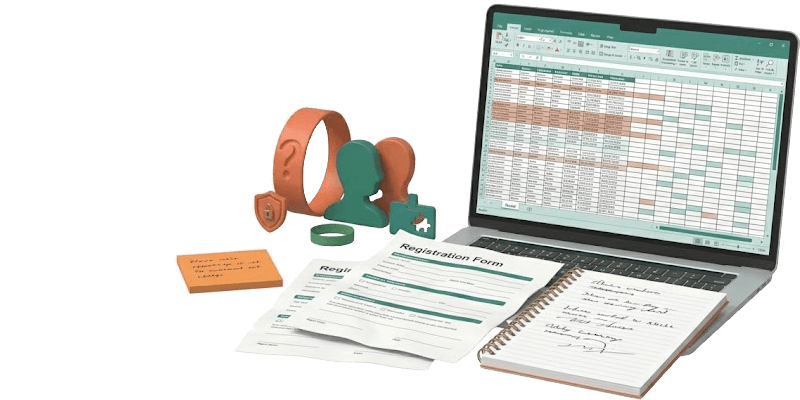
Paper, Excel and notebooks
Loose forms, handwritten lists and duplicated data. Every Saturday the front desk becomes a bottleneck and shift handovers lose context.
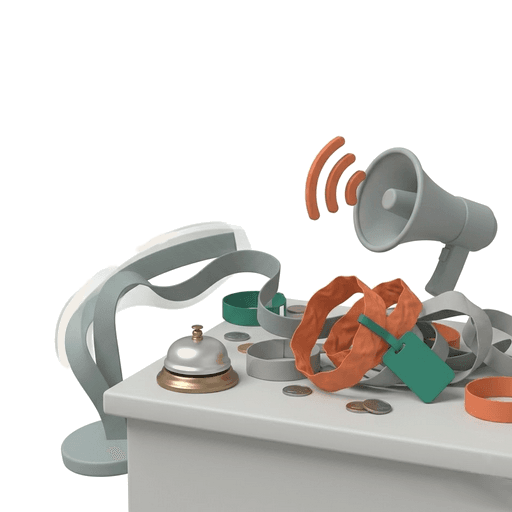
Chaos at reception and peak times
Queues, shouting to find a parent and misassigned wristbands. Staff spend energy coordinating instead of serving families.
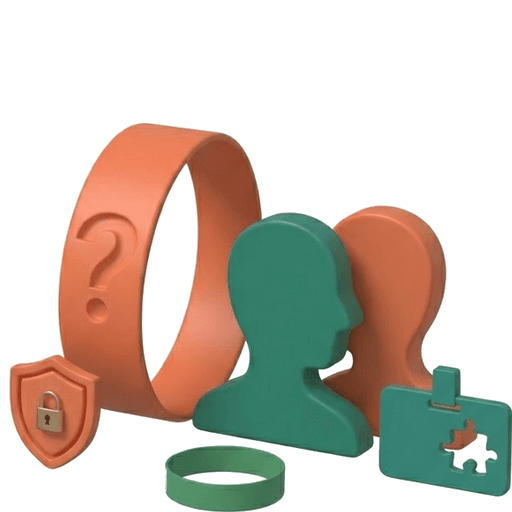
Uncertainty about who picks up each child
Without a digital wristband–child–guardian link, every exit is a verbal confirmation. That slows checkout and increases operational risk.
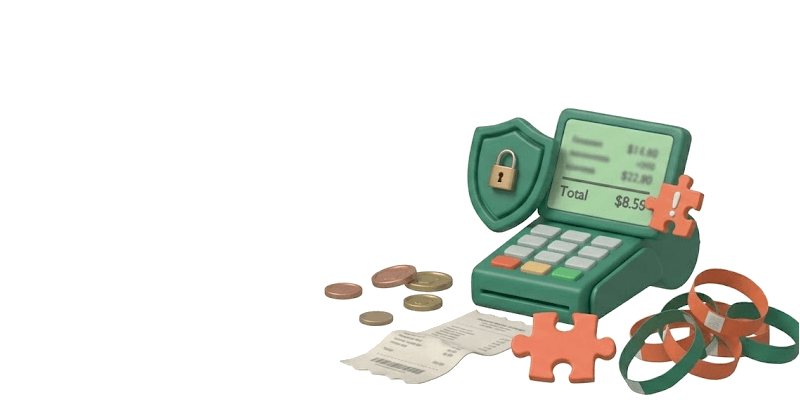
Billing and till without one record
Amounts estimated by eye, forgotten add-ons or visits left open too long. End-of-day reconciliation becomes a puzzle.
Fear of regulation (GDPR)
Children's data requires minimisation, traceable consents and exercisable rights. A spreadsheet was not designed for that or to prove it in an audit.
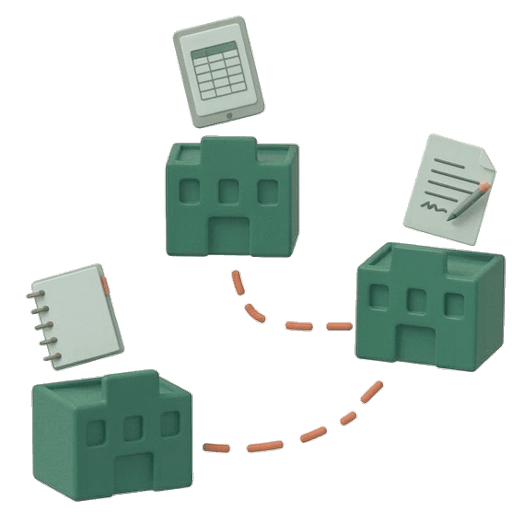
Multi-site without a unified dashboard
Each venue with its own notebook or sheet. Management lacks comparable KPIs or consistent pricing without repeating work at every site.

How it works
A clear flow from entry to exit
Six steps aligned with real front-desk operations: from QR signup to till close, with alerts and a live dashboard.
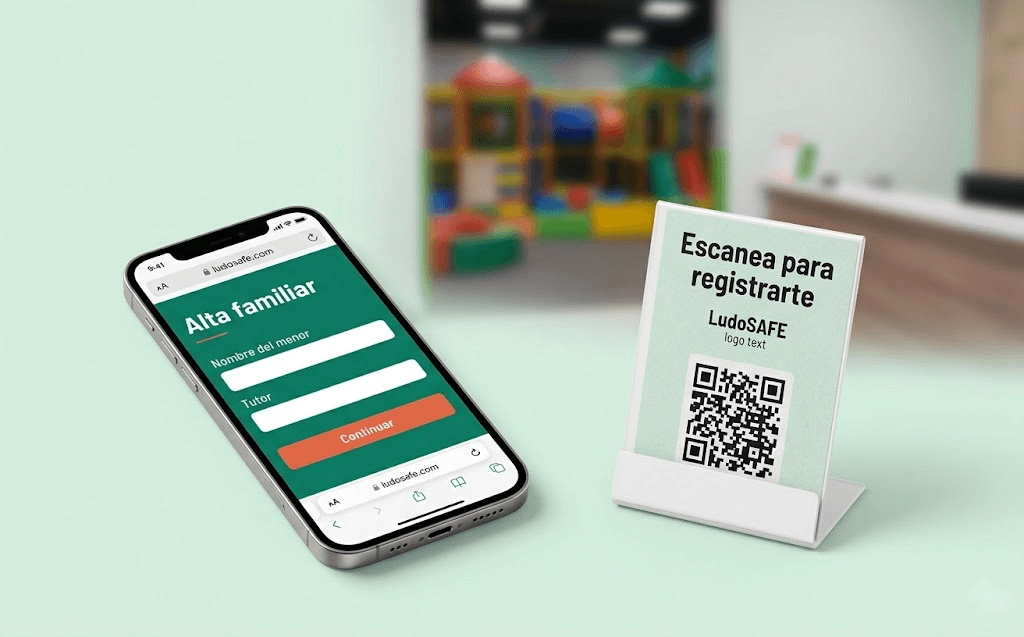
Families can register themselves by scanning the venue QR or with staff help. Each visit is recorded as a stay with a wristband, applied rate and full traceability for billing and compliance.
Features
Six steps of the real front-desk flow
Self-service via QR
Speeds up signup: instead of one staff member handling ten registrations in a row, ten families sign up in parallel at their own pace via a QR code or website.
Built for businesses like yours
Indoor play centres, play libraries and chains that need entries, wristbands, billing and family alerts in one dashboard — without paper or spreadsheets.
Business types
01Indoor play centres
High volume of entries, wristbands and family pickups. LudoSAFE unifies reception and the play floor.
02Play libraries and play spaces
Child registration, consents and pickup alerts without notebooks or spreadsheets.
03Children's leisure centres
Time-based pricing, add-ons and automatic pickup reminders when it's time to leave.
04Multi-site chains
Several centres under one account: group-wide visibility for management and local ops per site.
If this sounds like you
01Paper or spreadsheet operations
You manage entries, numbered wristbands, time billing and family alerts with scattered tools.
02Children's data compliance
You need GDPR rigour: consents, data minimisation and traceability for families.
03Dashboard across sites
You run a chain and want one unified panel without losing local control at each centre.
Your scale
01One family venue
A single site and reception team: QR signup, wristbands and billing day to day.
02Several sites
Multi-site management with pricing and staff per centre and consolidated reporting for leadership.
Signs your current setup no longer scales
Does something like this happen every week?